Homelab Hardware Breakdown: How to Choose Your Gear
Sep 06, 2026 · 6 min read
Choosing your first homelab hardware comes down to balancing power bills, room noise, and project goals like running virtual machines or backing up data. The traditional rules of corporate IT don't apply here—you can start with whatever fits your space, budget, and power goals.
| Hardware Type | Best Use Cases | Virtualization | NAS & Storage | Key Strength | Key Weakness |
|---|---|---|---|---|---|
| Old PC / Laptop | Learning Linux, basic Docker | Moderate | Poor | Free if you already own it | Limited RAM expansion, few drive bays |
| Mini PC (USFF) | Media streaming, ad-blocking, small setups | High | Poor | Silent, tiny footprint, ultra-low power | No room for 3.5" hard drives |
| Enterprise Server | Heavy VM labs, massive storage arrays | Exceptional | Exceptional | Massive RAM capacity, hot-swap drive bays | Higher fan noise, larger power bill |
| Single-Board (Pi) | Ad-blocking, light scripting | Very Low | Very Poor | Inexpensive, runs on a mobile charger | Limited processing power and slow disk speeds |
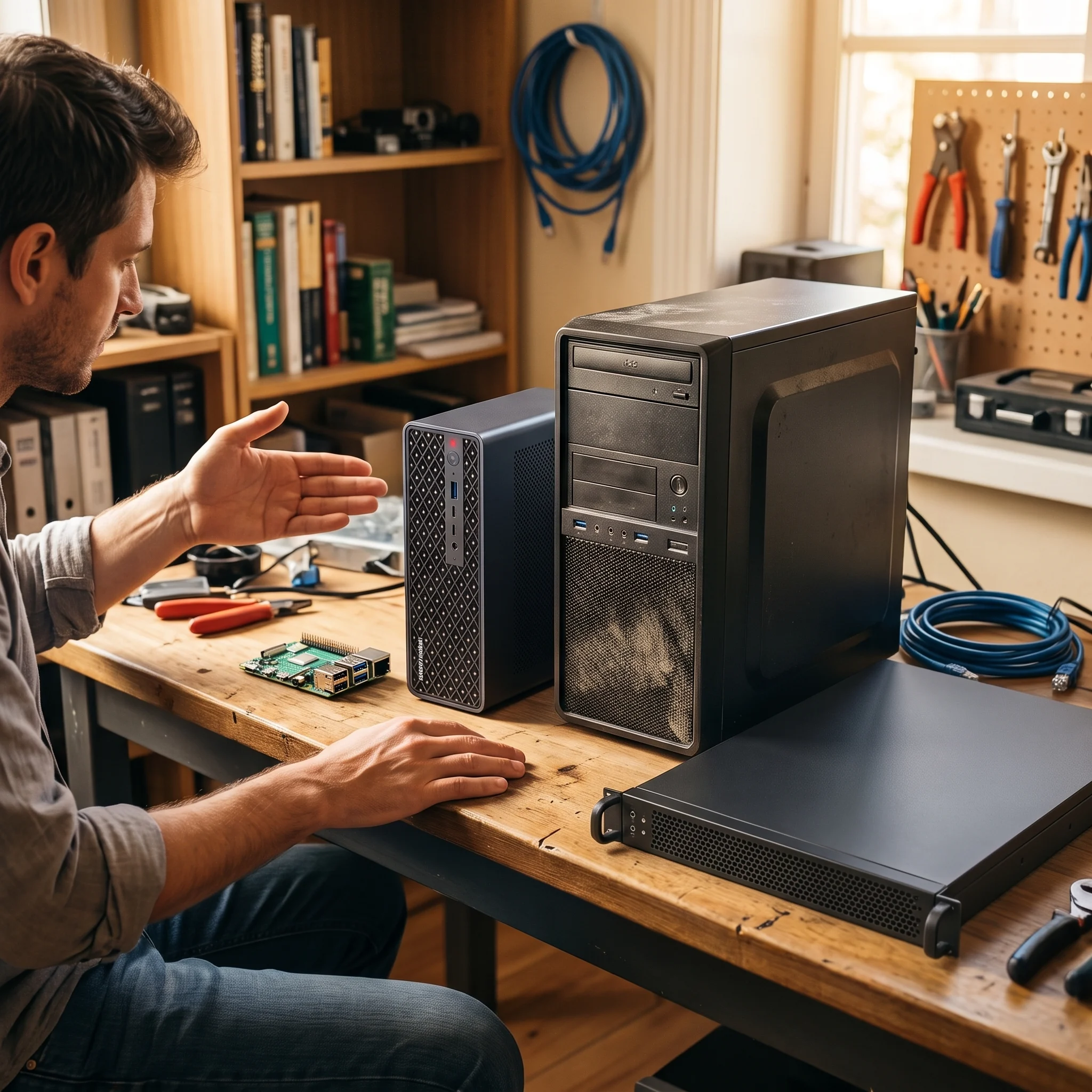
Matching Hardware to Your Goals
1. Reclaimed Enterprise Servers
- Virtualization: Unmatched. Multi-core server processors and massive memory limits let you run dozens of virtual machines simultaneously without slowing down.
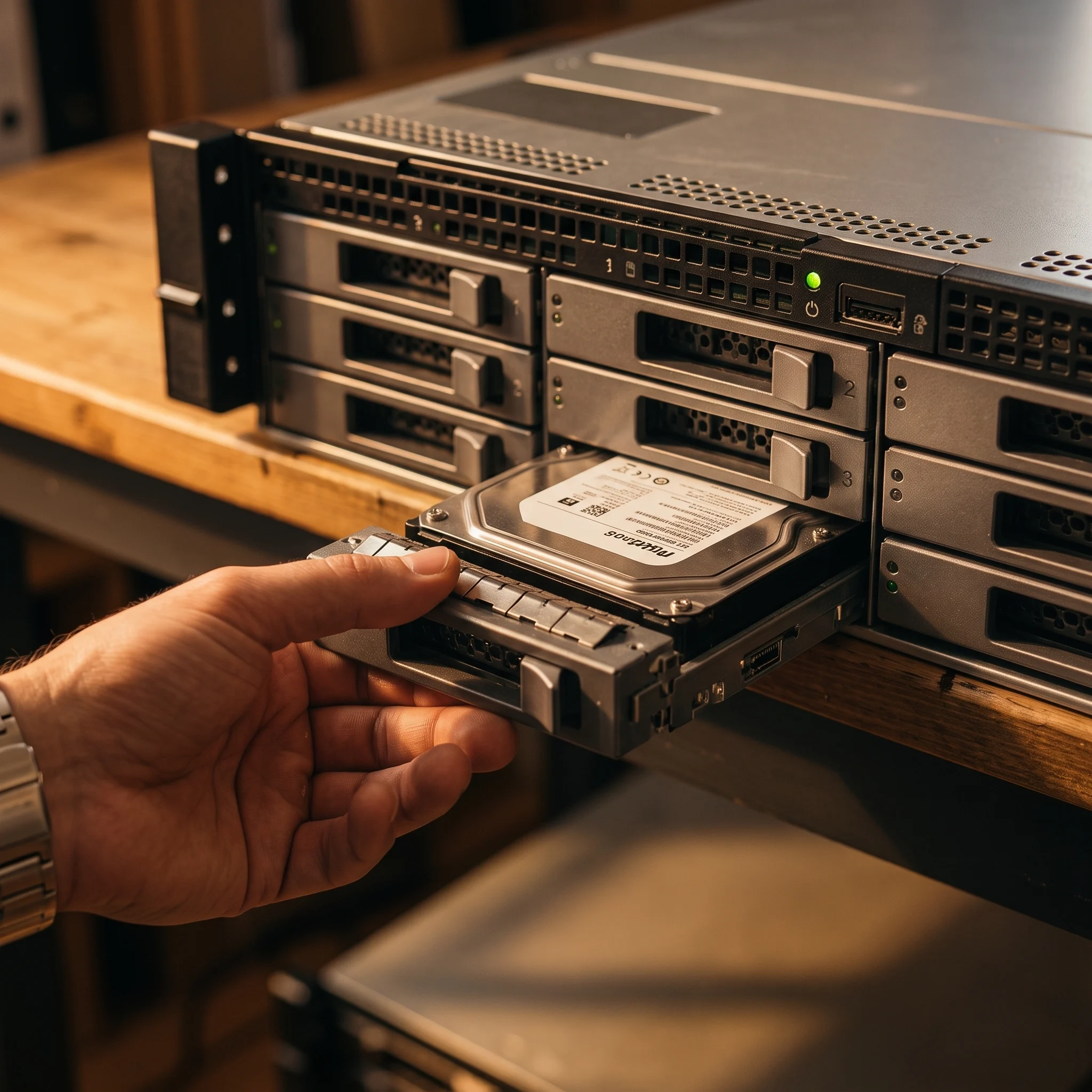
- Storage (NAS): Built-in hot-swappable drive bays and specialized storage controllers let you easily plug in multiple hard drives to manage massive storage pools with software like TrueNAS.
- The Trade-off: Loud fans and higher power consumption mean enterprise hardware belongs in a closet, basement, or garage rather than right next to your bed.
2. Mini PCs (Ultra-Small Form Factor)
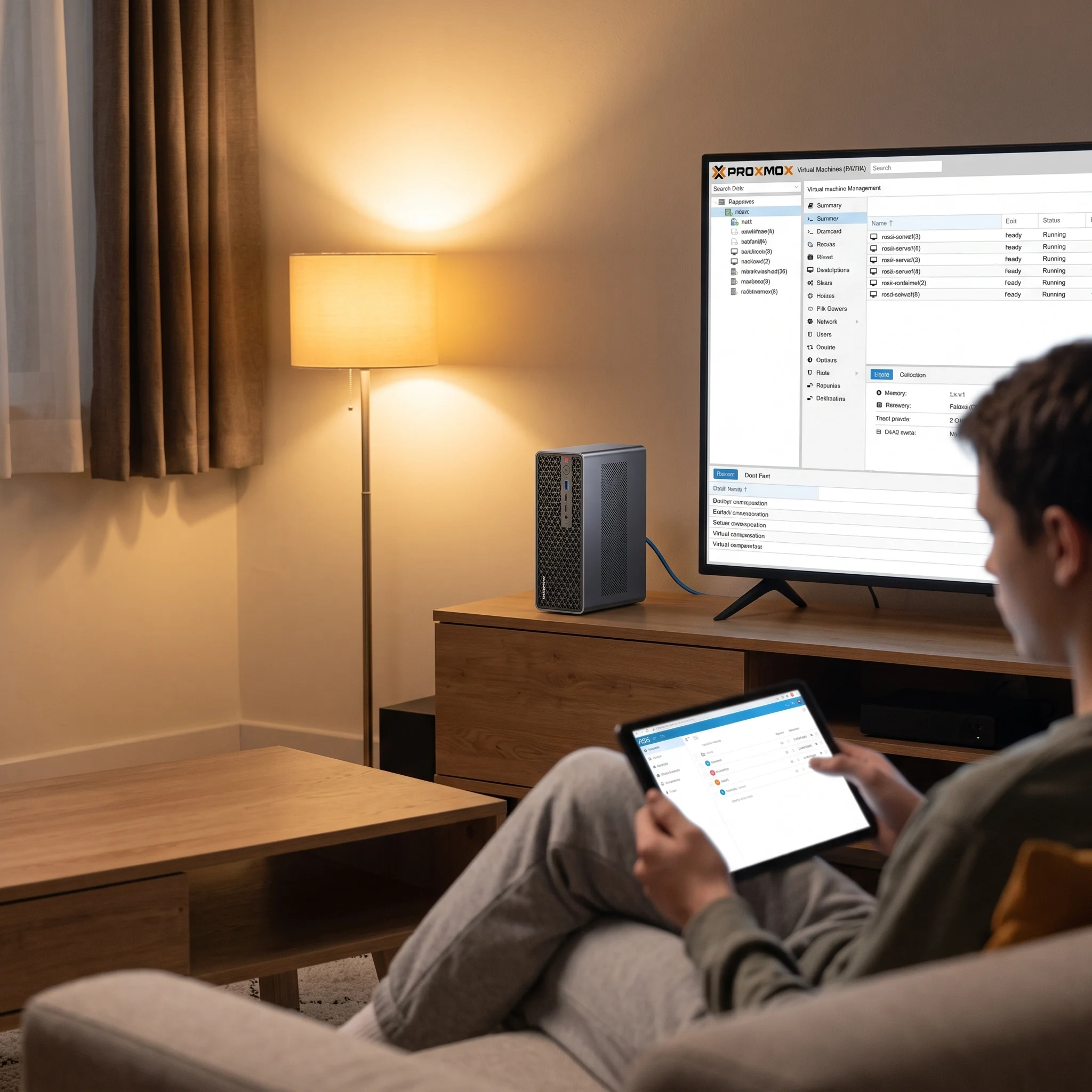
- Virtualization: Surprisingly capable. Modern mini PCs easily handle lightweight hypervisors (like Proxmox) running dozens of lightweight app containers for home automation and media streaming.
- Storage (NAS): Extremely limited. Their small size means they usually only fit one or two internal solid-state drives.
- The Trade-off: They draw very little electricity and run almost silently, making them ideal for small desks or living rooms.
3. Old Desktops & Laptops
- Virtualization & Storage: A solid middle ground. Older desktop towers typically have a couple of extra SATA ports for storage drives, and an old laptop even comes with a built-in battery backup (the laptop battery itself).
- The Trade-off: Free hardware is the easiest way to start learning today, though desktop parts lack enterprise remote-management tools to reboot your server if it freezes while you are away.
Homelabbing isn't about having the flashiest gear; it's about building a space where you control the technology, learn by doing, and own your data.
Part 3 of 3Homelab Software: Hypervisors, Containers, and NAS
With the hardware picked, the next guide covers what to run on it — Proxmox, TrueNAS, Docker, and how to choose between them.
Read next →