
What Exactly Is a Homelab? (And What Can You Use It For?)
Sep 06, 2026 · 5 min read
You’ve probably seen the photos. Tech forums are full of pictures showing glowing server racks sitting in a basement, or stacks of odd, quiet little boxes resting on a desk. It looks complicated and expensive, but in reality, it’s just a homelab.
At its core, a homelab is your personal, dedicated space to play, break, and build things with computer hardware and software. Think of it less like a corporate data center and more like a high-tech sandbox. Instead of testing new tools on a computer you rely on for school, work, or gaming, a homelab gives you a safe environment to run experiments without real-world consequences. If you crash a server, you just reboot it and try again. That is how real technical learning happens.
What Can You Actually Use It For?
A homelab isn’t just a pile of hardware sitting in the corner; it’s a functional tool for taking back control of your digital life and building practical skills.
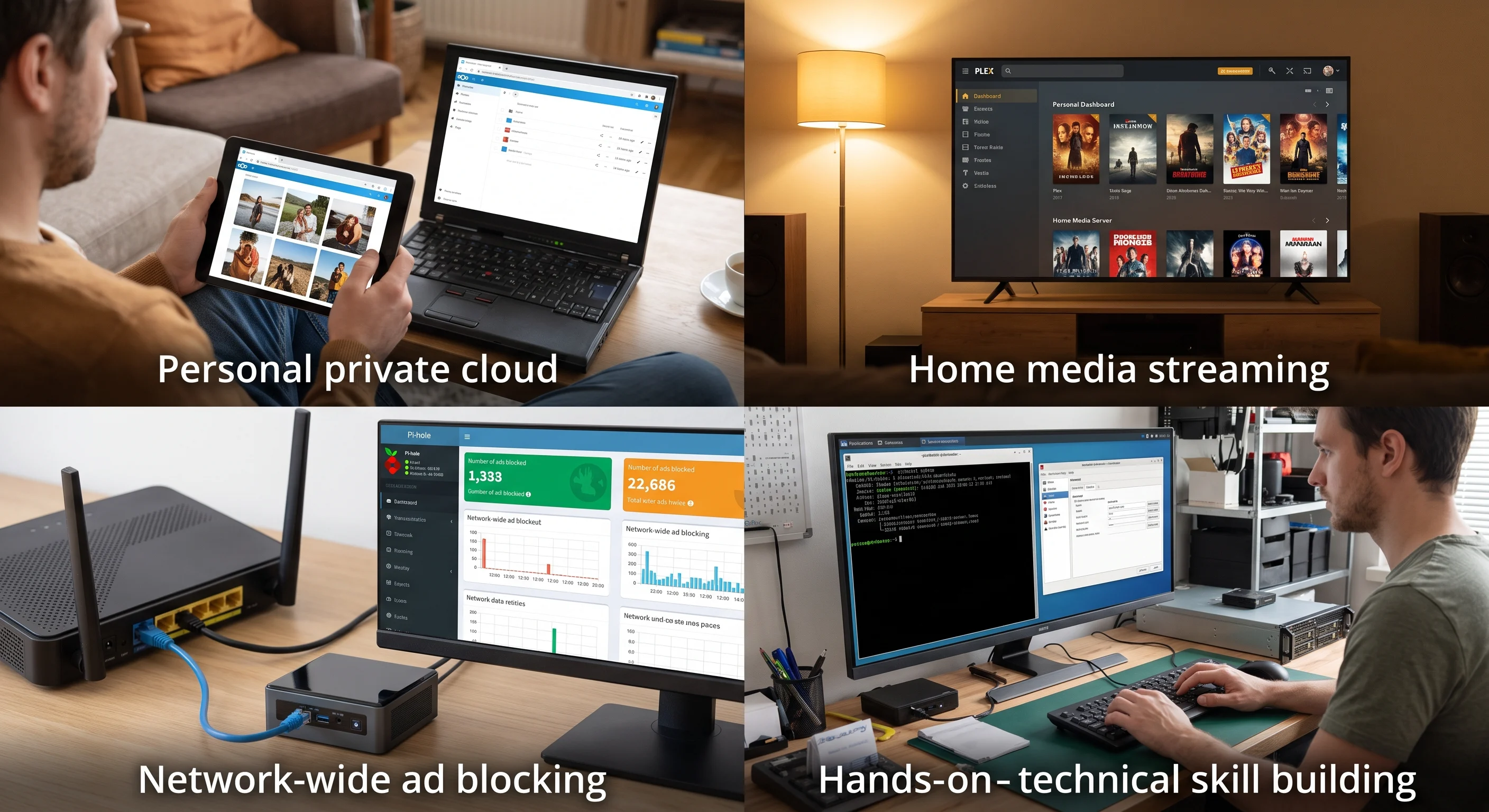
Self-Hosting Your Own Cloud: Software like Nextcloud lets you replace paid subscriptions like Google Drive or Dropbox. Your photos, videos, and documents stay inside your house, running on your own private network without third parties scanning your files.
Running a Personal Media Server: Applications like Plex or Jellyfin transform your homelab into a private streaming service. Store your video and music collection on your server and stream it directly to any TV, phone, or tablet in your home.
Network-Wide Ad Blocking: Tools like Pi-hole run quietly on your network, blocking intrusive ads and trackers for every device connected to your Wi-Fi before they even reach your screen.
Building Career-Ready IT Skills: If you are interested in cybersecurity, system administration, or coding, a homelab is the best practice ground available. Gain hands-on experience running Linux, virtual machines (VMs), Docker containers, and network firewalls.
Your Choice, Your Rules
The best part about starting a homelab is that there is no single "right" way to build one. The traditional rules of corporate IT don't apply here. You can start with whatever fits your space, budget, and energy goals.
Whether you want to repurpose an old family desktop, set up a silent mini PC, or rack up heavy enterprise gear, you build the environment that works for you.

Homelab Hardware: Pi, Mini PC, Tower, or Rack
Now that you know what a homelab is for, the next guide compares the four hardware classes and what each one is actually good at.
Read next →