Mac Studio vs. a 64GB NVIDIA CMP 170HX: Local AI Image Generation Head-to-Head
Oct 5, 2026 · 6 min read

In the last post I ran Qwen Image 2512 at full bf16 precision on an NVIDIA CMP 170HX unlocked to 64GB, a card originally sold for crypto mining. The whole 40GB model fit in VRAM with no quantization and no offloading. This time I put it up against a Mac Studio with an M5 Ultra and 256GB of unified memory, which shares one big pool of memory between its CPU and GPU. Same software, same model, same six prompts, same seeds.
The Setup
Both machines kept the entire model loaded between images. The Mac also had a 27B-parameter language model loaded in llama.cpp the whole time.
Average per image at 1680×944. Mac Studio ~15% faster.
Average per image at 1360×768. Mac Studio ~35% faster.
First image, including model load.
Time Per Image
Seconds per image. Lower is better.
The Results
{{ r.num }}{{ r.title }}
Prompt
{{ r.prompt }}
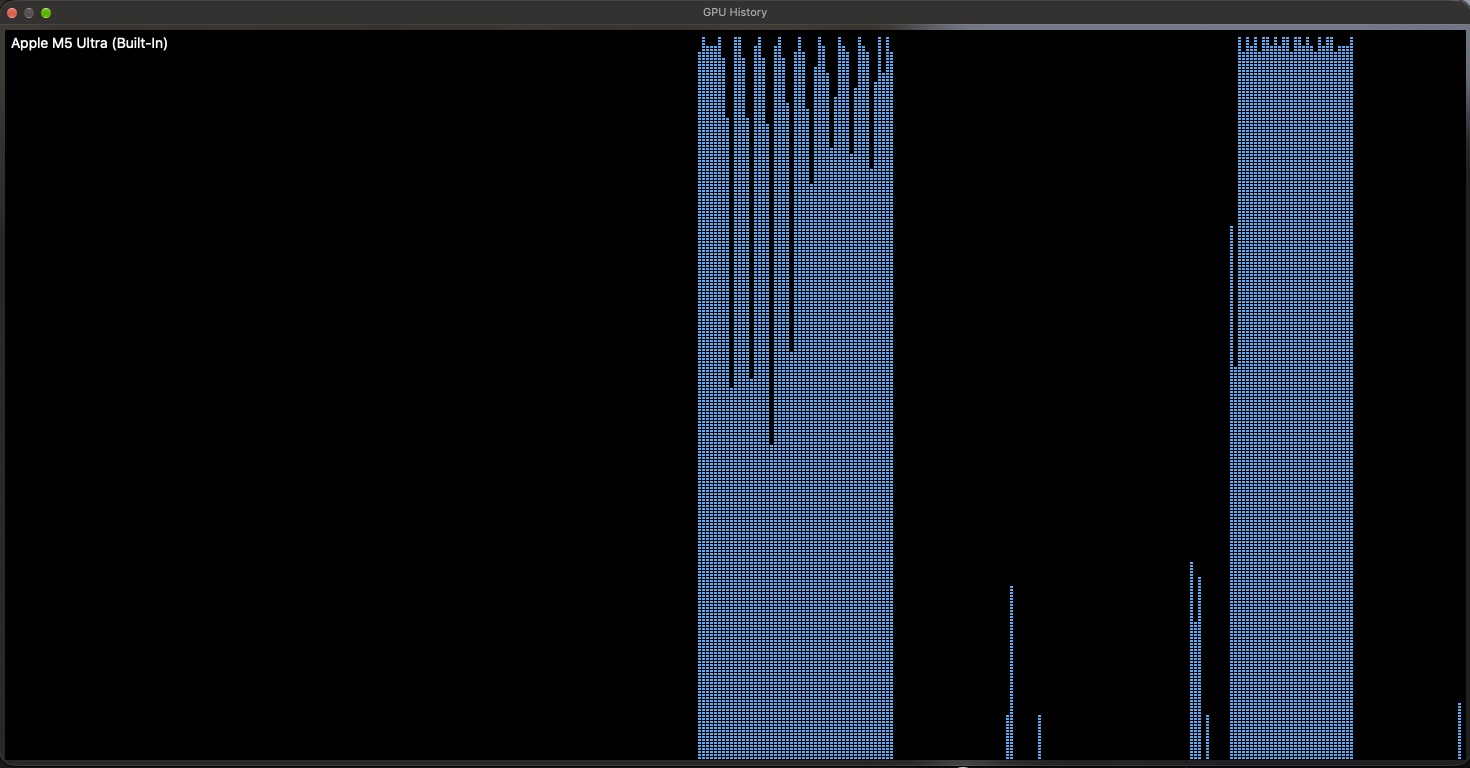
Where the Time Goes
One 1680×944 image on the Mac Studio:
What I Learned
01The Mac wins every image
At full resolution the M5 Ultra was faster on all six prompts, about 15% on average. Drop the resolution to 1360×768 and the gap widens to about 35%: the Mac scales down the way you’d expect, while the 170HX barely gets faster, which suggests a large fixed cost per image on that card.
02Loading is where the gap is biggest
The Mac loads the 55GB model in about 17 seconds. The 170HX took up to 109 seconds, because the weights come off a virtual disk and cross the card’s narrow PCIe link. You only pay this on the first image or when switching models, but you notice it every time.
03Check your model cache
Out of the box, Invoke on the Mac set aside only 32GB for cached models, less than the model needs. It reloaded the entire model before every image, at about 22 seconds each. One line in invokeai.yaml (max_cache_ram_gb: 128) kept everything loaded and brought it down to about 13 seconds.
04Restart Invoke now and then on a Mac
After about ten hours of running, large images crept up to about 25 seconds while small ones were unaffected. The GPU was still fast; the big memory operations around it had slowed down. A restart brought it straight back to about 13 seconds.
Times are per image, measured from Invoke’s queue with the model already loaded and Invoke’s result cache disabled, after one untimed warm-up image. The 170HX used an fp8 text encoder and the Mac a bf16 one, which affects only the sub-second prompt-encoding step. Images shown are the originals from the 170HX run; the Mac’s versions were visually near-identical.
Two very different routes to the same place: a mining card nobody wanted, rescued with a firmware unlock, and a desktop with enough unified memory to treat a 40GB model as ordinary. The Mac Studio is faster, loads quicker and does it while running a language model on the side. The 170HX costs a fraction as much and does the job at full precision. Both run a frontier-class image model at home with no cloud and no compromises.